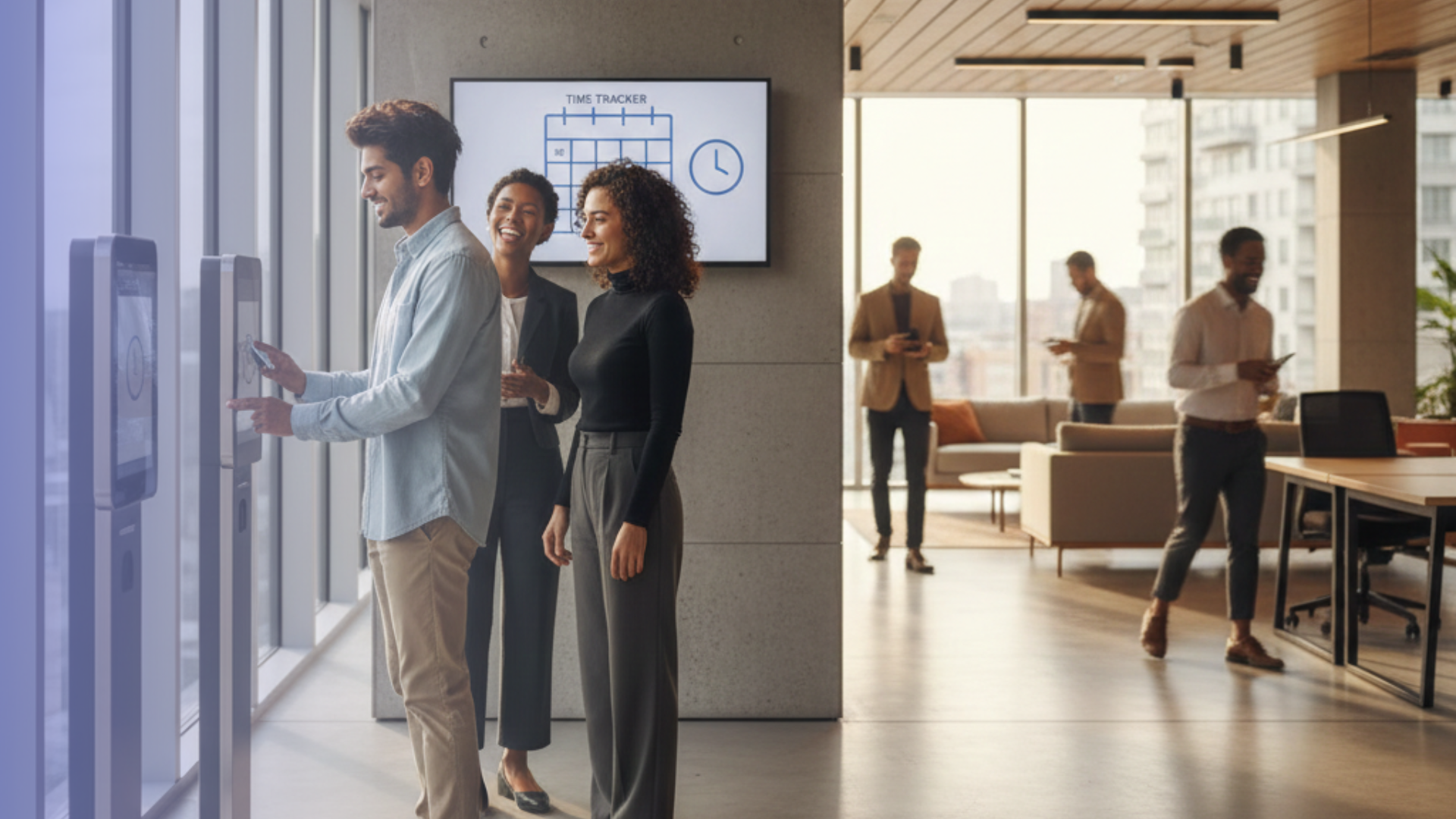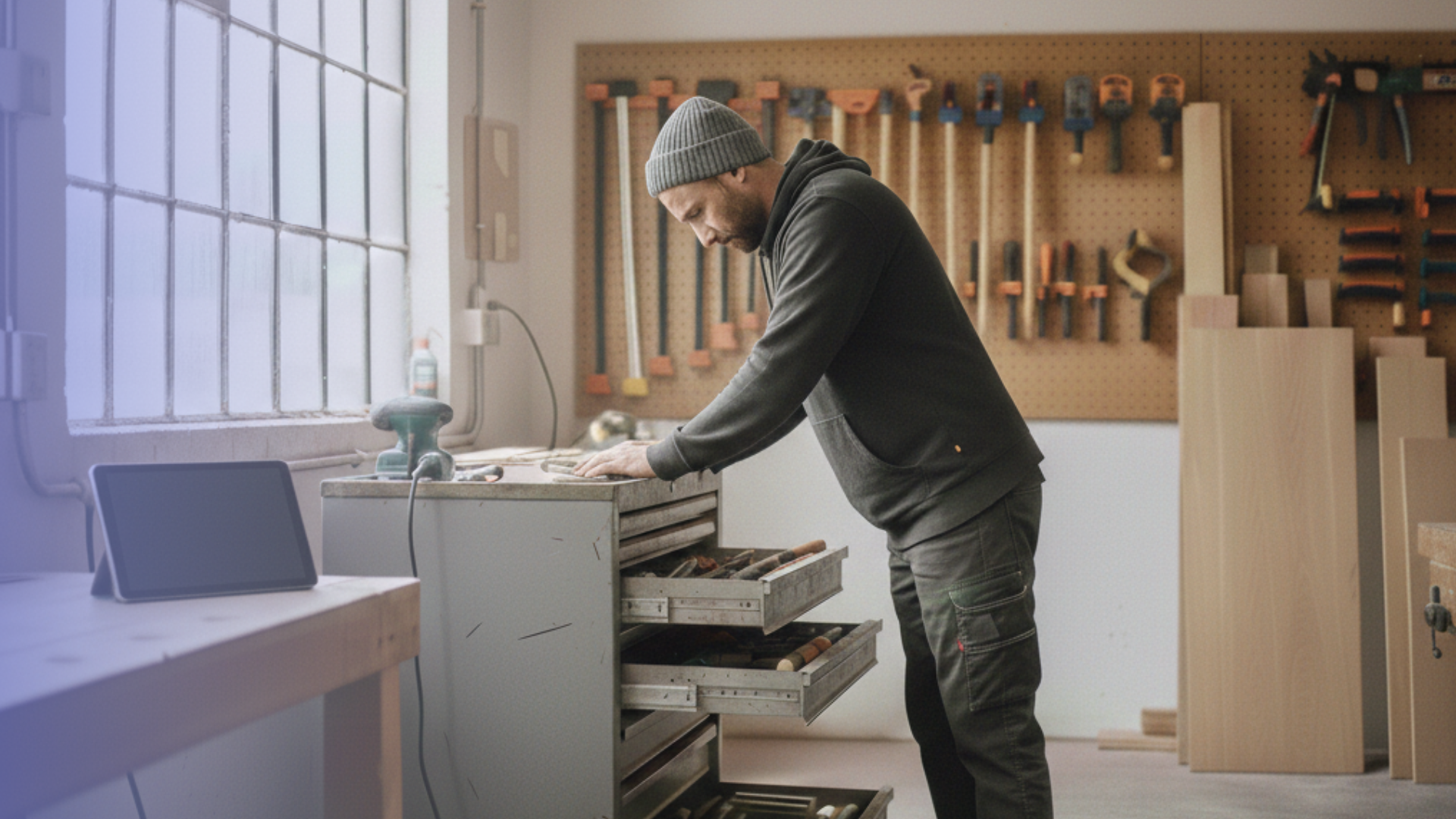

In trades and craft businesses, every day is a juggling act. You are managing multiple sites simultaneously, navigating changing locations, adhering to tight schedules, and meeting growing documentation requirements. In this environment, time tracking is no longer a “nice to have.” Instead, it decides how efficiently, transparently, and sustainably a company can work.
Many businesses that have moved from paper timesheets to a digital solution report more than just time savings. They also experience calmer workflows, fewer disputes about hours, and a back office that finally has reliable data, rather than piles of handwritten notes and Excel lists.
Digital and mobile time tracking is often one of the first concrete steps toward real digitalization in the trades. Once working hours are recorded automatically and transparently, it becomes much easier to stabilize processes and plan the next steps for optimization.
TL;DR
- This article explains how digital and mobile time tracking helps trades and craft businesses work more efficiently, transparently, and in compliance with German labor law, on-site and in the office.
- Who It’s For: Owners, managers, site supervisors, and office staff in trades (e.g., construction, electrical, plumbing, HVAC, carpentry) who still work with paper timesheets or fragmented solutions.
- Key Benefits: Digital time tracking enhances project planning, improves billing accuracy, and supports compliance with time-tracking obligations. It also reduces disputes over hours worked and fosters increased employee trust.
- How It Works in Practice: Employees record their time directly on the job site via smartphone, tablet, or browser; the data is synchronized automatically and can be evaluated, exported, and used for payroll and project analysis.
- Tools and Approach: Simple, browser-based systems, such as Timebutler, work well. You can start, stop, pause, project, and manage assignments, absence, and documentation without complex IT setups.
What are the Benefits of Time Tracking for Trade Businesses?
Trades businesses face several challenges simultaneously: a shortage of skilled workers, rising costs, and increasingly stringent requirements for documentation and proof. Time tracking sits right at the intersection of all these issues.
Digital time tracking helps to:
- Plan Project Times Realistically: when you see how long recurring tasks (e.g., installing a heat pump, laying 1,000 square feet of tile) actually take on average, you can calculate quotes more realistically and avoid underpricing.
- Improve Billing and Job Costing: when hours are assigned to projects, customers, and activities, you can see which jobs are profitable and where you are regularly losing margin.
- Meet Legal Requirements for Time Tracking and Working Hours: since a 2022 ruling by the German Federal Labor Court (Bundesarbeitsgericht, BAG), all employers must systematically record working time, based on existing health and safety rules interpreted in line with EU law.
- Support Occupational Health and Safety: only with reliable time records can you prove that maximum daily working hours and minimum rest periods are observed.
- Create Transparency and Fairness in the Team: overtime becomes visible, hours can be checked and corrected, and trust grows because everyone sees how their time is recorded.
For many trades businesses, this leads to a tangible change in day-to-day operations: less chaos, fewer “gut feeling” decisions, and more decisions based on reliable data.
Is Time Tracking Mandatory For Trades Businesses?
The short answer is yes. Time tracking is mandatory for the trades.
In 2022, the German Federal Labor Court decided that all employers must record the working times of their employees. This obligation arises from the Occupational Health and Safety Act, interpreted in light of EU case law.
So far, lawmakers have been working on amendments to the Working Time Act that will define in more detail how working time must be recorded (for example, electronically and on the same day). Several draft bills discuss transition periods and simplified rules for small companies; however, the final law and exact start dates are still in progress.
For trade businesses, this means that Paper timesheets and simple Excel lists will only be a temporary solution. Digital systems provide greater legal certainty, improved documentation, and reduced effort in the long run.
(This article does not replace legal advice. For specific questions about your company, please consult your tax advisor or a labor law specialist.)
How Does Mobile Time Tracking Work In Practice?
Browser-based time tracking tools like Timebutler show that mobile time tracking does not necessarily need a dedicated app. Digital time tracking for trade businesses can be very straightforward. In fact, many companies prefer this simplicity as no installation or updates are required. Just open the browser and get started.
- Start on Site: employees clock in when they arrive at the site or start work in the workshop.
- Assign Time To Project and Activity: with one or two taps, times are assigned to the respective project, customer, and, if necessary, activity (e.g., “installation,” “commissioning,” “travel”).
- Record Breaks and Travel Times: breaks and trips between sites or to the warehouse are recorded just as easily, so that the total working time remains transparent.
- Automatic Synchronization: all entries are synchronized with the central system, allowing the office to view the current status at any time.
- Evaluation and Export: at the end of the week or month, the data can be evaluated, exported, or transferred to payroll and accounting.
Travel Time, Setup Time, And Breaks: What Counts As Working Time?
In the trades, the same questions come up again and again:
- Does travel to the construction site count as working time?
- What about setup and loading time in the morning?
- How are breaks treated?
As a general rule in German labor law:
- All time spent in the employer’s interest counts as working time. For example, travel between the workshop and construction site, between different sites, or to the customer.
- Setup and loading times are usually working time, as they are necessary to perform the job.
- Breaks are not working time, but they must be recorded or deducted correctly to comply with maximum working hours and rest periods.
A digital time tracking solution helps to:
- Assign these times correctly (e.g., “travel,” “setup,” “break”)
- Avoid disputes, because everything is documented
- And ensure legal certainty toward customers and employees
(For specific edge cases (for example, travel from home to the first site), you should always clarify the rules with your legal or tax advisor.)
What To Look For In A Time Tracking System For The Trades
Not every time tracking system fits the realities of a trades business. Important criteria include:
- Simplicity and Intuitive Use: employees should be able to use the system within minutes, without thick manuals or extensive training. This is particularly important if not everyone is digitally savvy.
- Mobile Use On The Job Site: time tracking must work on construction sites, in basements, or in rural areas — ideally with offline capability or at least a robust connection.
- Browser-Based or App, But Always Low-Threshold: many trades businesses appreciate browser-based solutions like Timebutler, because they work on almost any device and do not require installation.
- Data Protection and GDPR Compliance: working time data is personal data and must be processed in line with data protection requirements.
- Interfaces and Exports: the system should offer exports or interfaces for payroll, accounting, or project management, so that data does not have to be entered multiple times.
- Transparency for Teams: employees should be able to see their hours, overtime, and absences. This increases trust and reduces the number of questions directed to HR and management.
Digitalization as a Competitive Advantage
For many trades businesses, digital time tracking is the first tangible step into digitalization – and often the one with the fastest visible effect.
Once working hours are no longer recorded on paper or in scattered Excel sheets, but automatically and transparently, space opens up for further digital processes, such as:
- Digital job and order management,
- Material tracking and stock management,
- Digital vacation and absence management,
- Simple documentation workflows (photos, checklists, reports).
Digitalization in the trades does not mean complicated technology. It simply means structuring everyday life more effectively, making information accessible, and minimizing unnecessary errors.
Businesses that start early work more efficiently, calculate better, and noticeably relieve their teams, whether on-site or off-site.
Getting Your Trades Business Ready For Digital Time Tracking
If you want to prepare your company for digital time tracking step by step, the following approach has proven effective:
- Analyze Your Current Situation: how are hours recorded today? Where do errors, delays, or conflicts arise?
- Define Requirements: which devices are available on site? How many people need access? Which interfaces (e.g., payroll) are important?
- Choose a Simple System and Start With a Pilot: start with one or two teams or projects. Gather feedback and adjust processes.
- Set Clear Rules: define how travel time, breaks, and activities are recorded – and communicate this transparently to everyone.
- Communicate Benefits, Not Control: emphasize relief, fairness, and legal certainty. Time tracking should not feel like surveillance, but like protection and support.
- Roll Out Gradually and Stabilize: once the pilot is running smoothly, extend it to the entire business and regularly check whether the rules still fit.
Why Timebutler Is A Practical Choice For Trades Businesses
If you recognize your own business in the scenarios above — paper timesheets, Excel chaos, and recurring questions about hours — Timebutler can be a simple way to move into digital time tracking without overloading your team.
Timebutler is designed to match the daily reality of trades businesses:
- Browser-Based and Immediately Usable: your team can track time from any modern browser – on smartphones, tablets, laptops, or desktops. There is no need for installation or app updates, which is especially helpful on shared devices and in mixed IT environments.
- Focused On The Essentials: Timebutler focuses on the time tracking functions that trades teams actually use every day, rather than overwhelming them with features they don’t need.
- Easy To Understand, Even Without Tech Experience: many trades businesses report that employees who are not very tech-savvy can get started after just a few minutes. That lowers resistance to change and speeds up adoption.
- Supports Compliance and Documentation: because working times are recorded transparently and centrally, it becomes easier to meet legal time-tracking obligations and to provide proof in case of audits or customer questions.
If you want to see how digital time tracking works in your own operation, try Timebutler for free for six weeks.