
The App for Time Tracking and Vacation Management

With the free Timebutler App for iOS and Android, you can take care of everything important on the go. Track your time, manage vacation and absences, and handle requests directly on your smartphone or tablet.

Start Your Free Trial
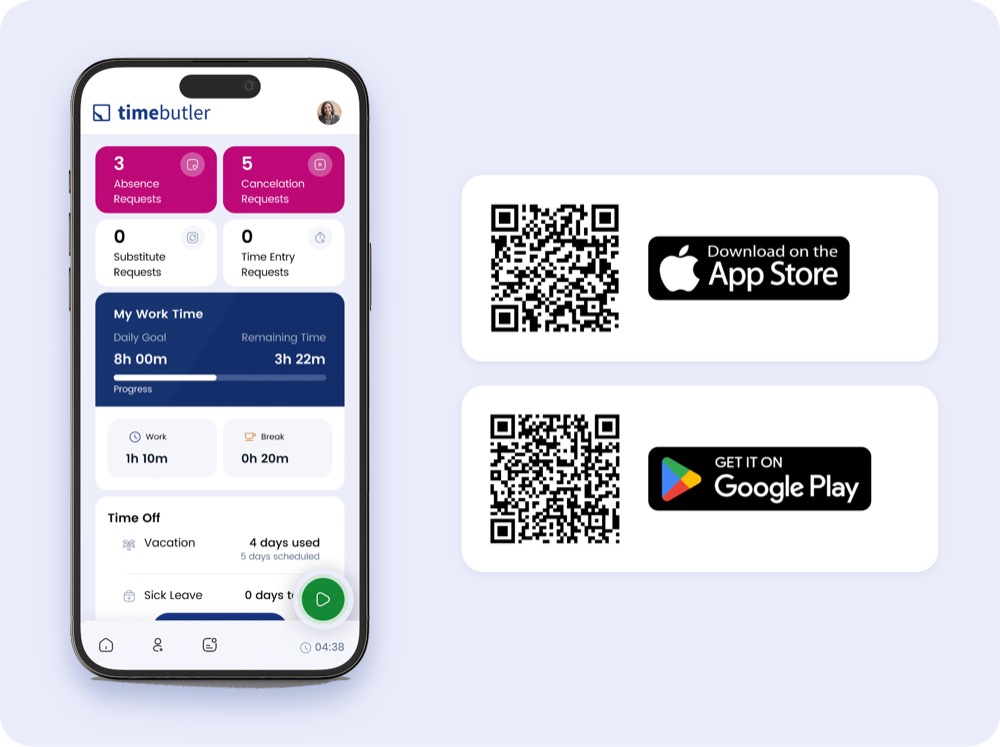
Timebutler App dashboard with QR codes to download from the App Store and Google Play
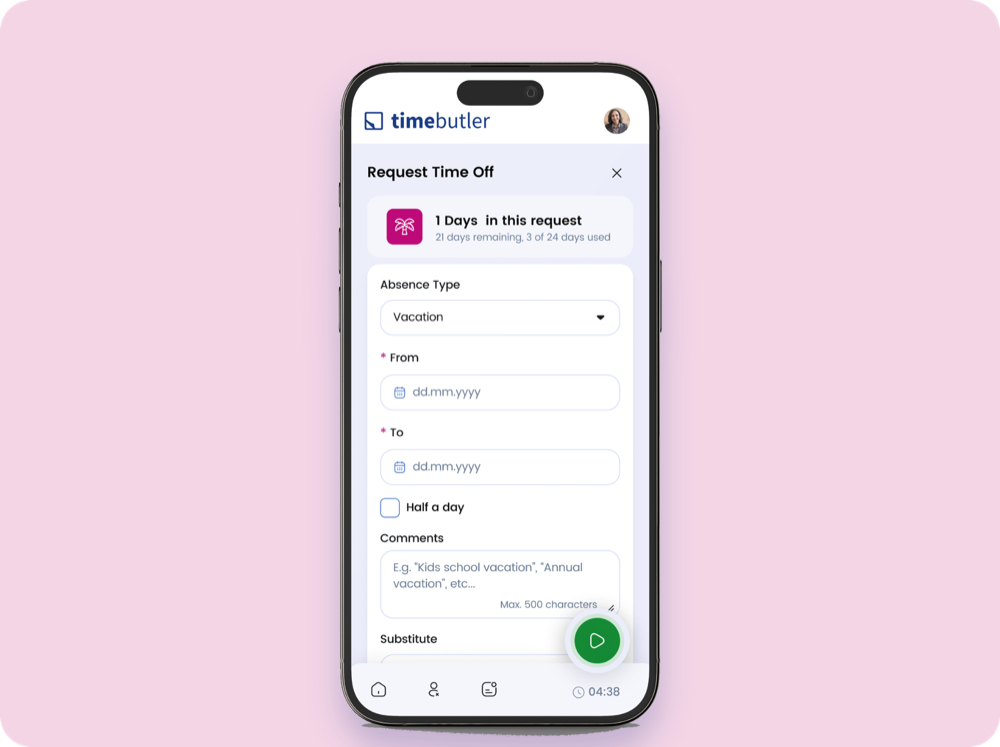
Requesting time off in the Timebutler App

Vacation and Absences, Always in View

With the Timebutler App, you manage vacation and absences easily from anywhere. Submit new requests, check the current status, and keep track of your personal absence history anytime.

  • Submit vacation and absence requests
  • Check the status of requests anytime
  • View your personal absence history

Track Your Time Directly in the App

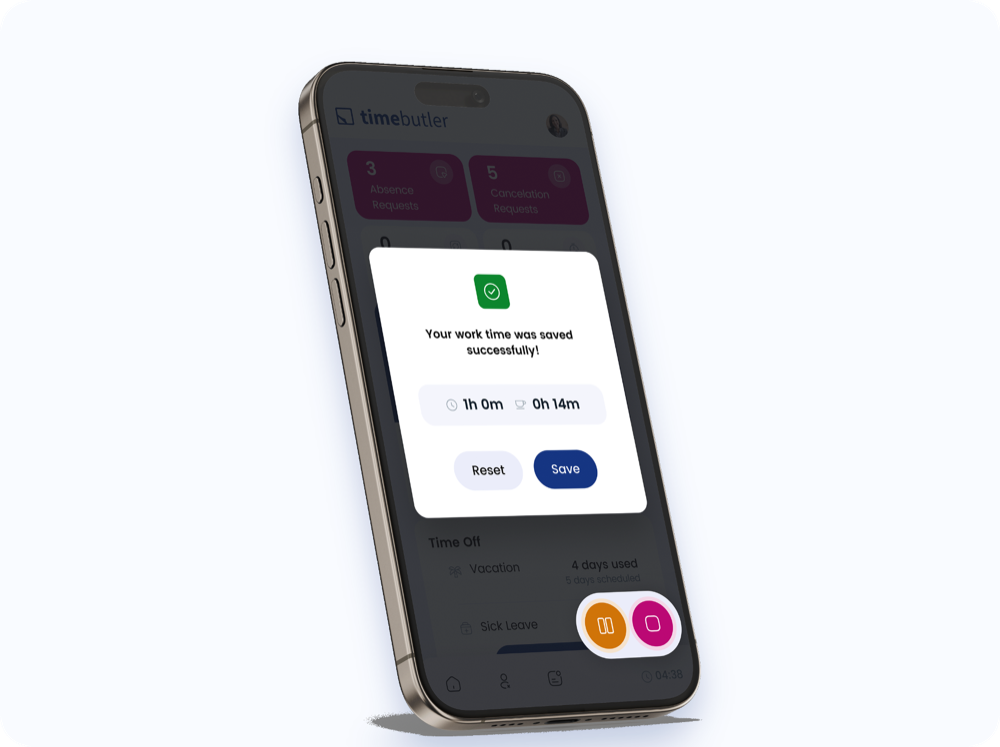
Track your time with just a tap. Start, pause, or end your work time, and every entry syncs automatically with your Timebutler account.
  • Start, pause, and end your work time
  • See work and break time in real time
  • Activate business trip mode
  • Select projects and categories
  • Add notes to time entries
Tracking and saving work time with the Timebutler App's time clock
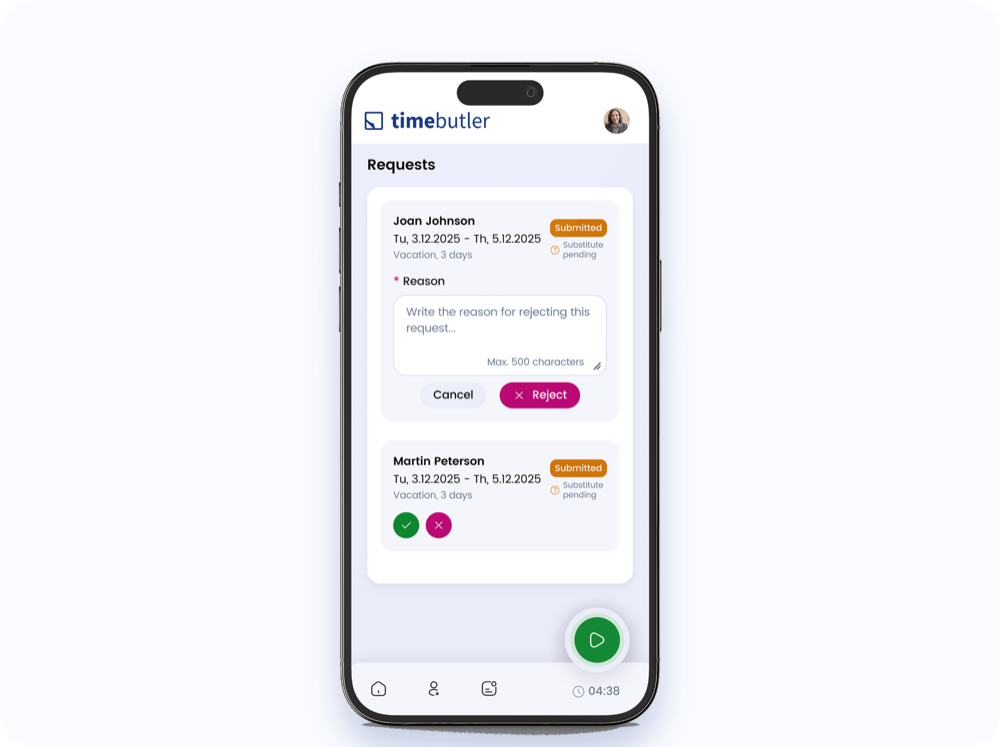
Approving or declining absence requests in the Timebutler App

Handle Requests Directly in the App

As a manager or administrator, you handle vacation and absence requests conveniently from anywhere. Approve or decline requests and keep track of your team at all times.

  • Review vacation and absence requests
  • Approve or decline requests
  • Manage substitutes and cancellations

Set Up the App in Three Steps

1

Download the app

Download the Timebutler App from the App Store (iOS) or Google Play Store (Android).

2

Log in

Log in with your existing Timebutler credentials.

3

Get started

Everything is right there: absences, time tracking, and requests.

Security and Privacy in the App

Encrypted data transfer

Your data is encrypted in transit, protecting it from unauthorized access.

One login for everything

You log in with the same credentials as in the browser. No separate registration, no extra password to remember.

GDPR-compliant, hosted in the EU

Timebutler processes all data in compliance with GDPR on servers in the EU. Deleting the app doesn't delete any of your data.

Ready to have Timebutler with you everywhere?

Try Timebutler free, no credit card required. Download the app from the App Store or Google Play and get started right away.

Start Your Free Trial

Frequently Asked Questions About the Timebutler App

1Which devices is the Timebutler App available for?
The app is available for iOS (iPhone and iPad) and Android, free to download from the App Store and Google Play Store.
2Do I need separate login credentials?
No. You log in with the same credentials as in the browser - no separate registration needed.
3Which features are available?
Absences and time tracking. Users with the right permissions also see request management.
4What happens to my data if I delete the app?
All data stays safely stored in your Timebutler account and isn't lost when you delete the app.
5Is the app free?
Yes, the app is included with every Timebutler account at no extra cost.
6What should I do if I run into technical issues?
Restart the app, check your internet connection, and install any available updates. If that doesn't help, feel free to contact our support team.