
With Company Documents, you publish mandatory legal notices for Germany digitally for your whole team. The legal texts are kept updated automatically, so you never have to track changes yourself.
You can also use Company Documents to keep other important files, such as works agreements or safety instructions, organized centrally in one place.
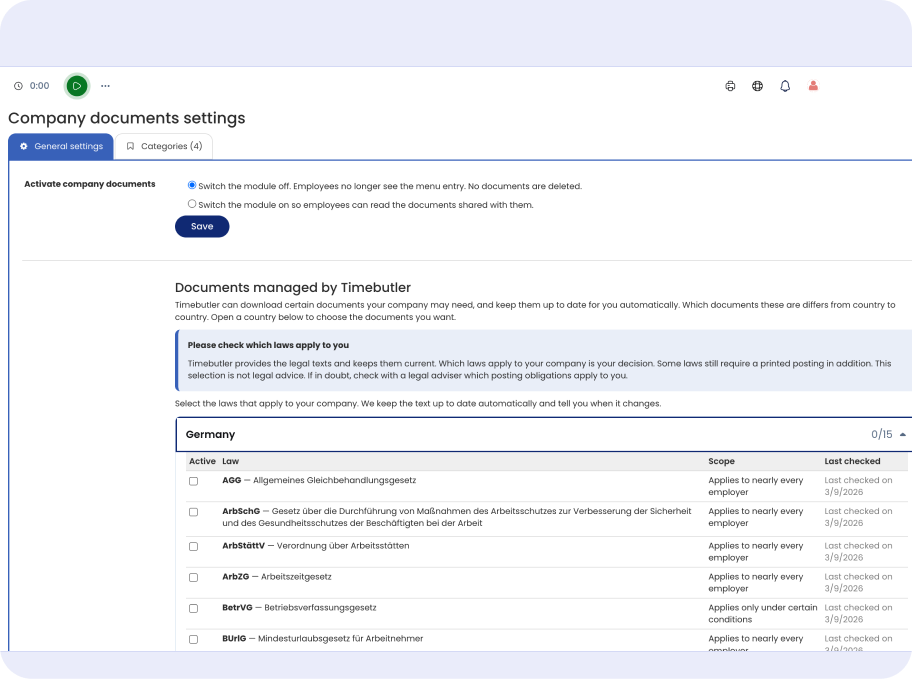
Company Documents gives your team a central place for important files, sorted into categories such as mandatory legal notices, works agreements, or safety instructions. Employees see directly what has been shared with them, and you no longer send anything by email. You can add your own categories any time.
The personnel file holds documents for one individual employee. Company Documents, on the other hand, is for files that apply to your whole team or specific groups.
Timebutler provides mandatory legal notices for Germany and keeps them updated automatically, for example AGG, ArbSchG, ArbStättV, or MiLoG. You choose which ones apply to your company, and you are notified as soon as a text changes.
This selection does not replace legal advice. If in doubt, check with a legal adviser which posting obligations apply to your company. Managed legal texts for Austria and Switzerland are coming soon. Admins manage this selection under Settings.
Find out how Company Documents can replace your PDF-by-email routine. Our team will answer your questions or walk you through the module in a live demo.
Company Documents is built directly into Timebutler and works alongside features like time tracking, vacation planning, and shift planning. You never have to switch between different tools or manage information in multiple places. Employees use the same login for their daily tasks that they already use for working hours, vacation, or shift schedules.
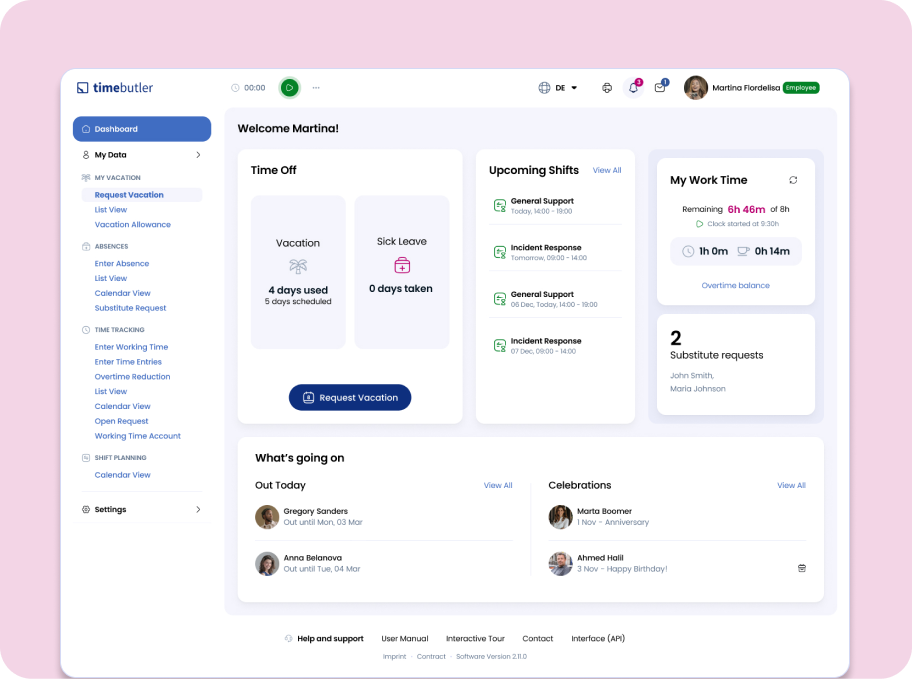
With Timebutler, you set up Company Documents in three simple steps:
Go to Settings, More settings, Company documents, and switch the module on so employees can read the documents you share.
Pick the mandatory statutory notices that apply to your company, and add your own categories for anything else your team needs.
Add a title, a category, and decide who can see it. Employees see it immediately, with an unread badge until they have opened it.
Try Timebutler for free, no credit card and no risk. Turn on Company Documents in a few minutes and stop resending the same files by email.