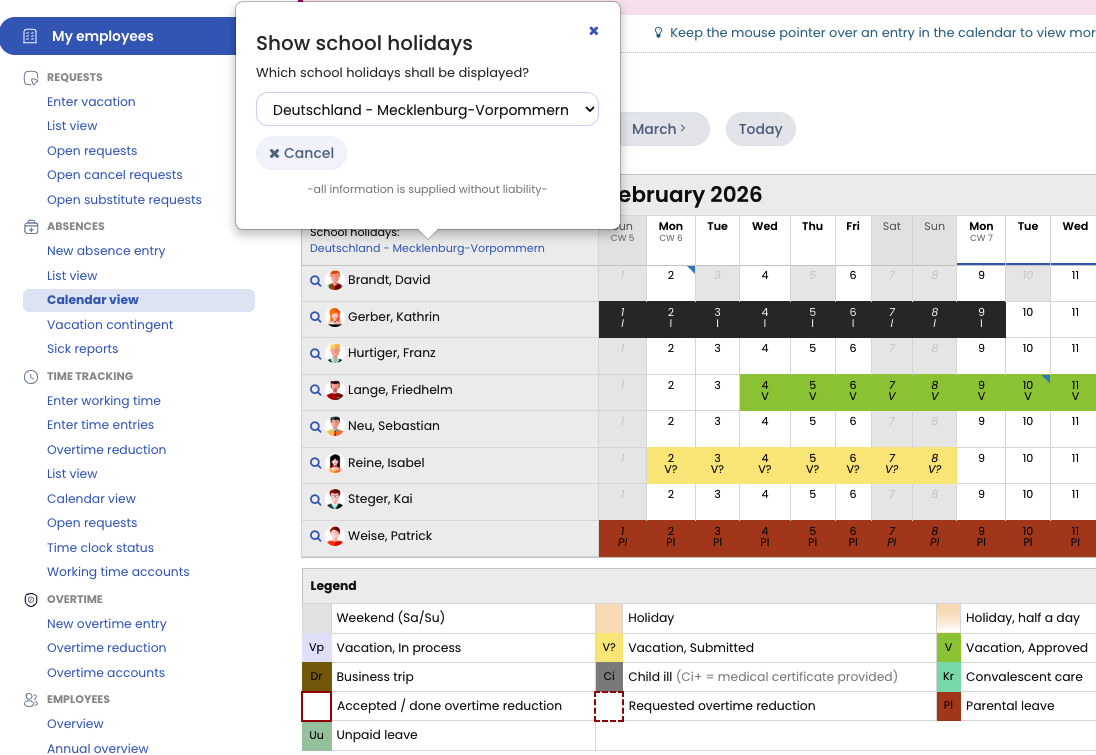
Each user can enable the display of school holidays in the calendar and choose from different available school holiday options.
Enabling School Holidays in the Calendar
- Open a calendar view.
- In the top-left corner of the calendar, click “Show school holidays”
- Choose the desired school holidays to display.
Opening the Calendar View
-
Employee users
Click Absences > Calendar view in the left-hand navigation. -
Supervisors and admins
Click My Employees > Absences > Calendar view in the left-hand navigation.
Screenshot: Show school holidays in the calendar