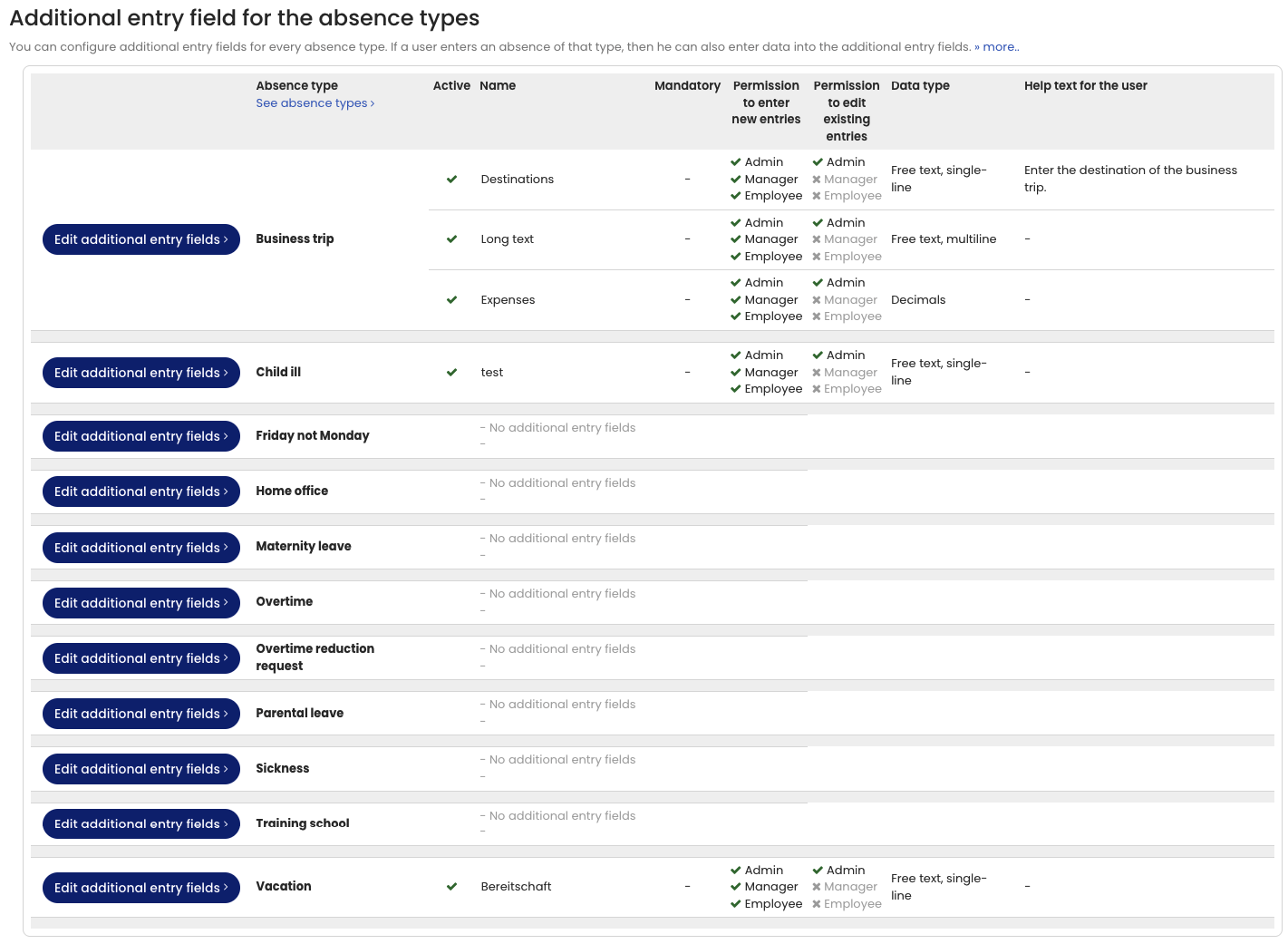
You can configure any number of extra fields for each absence type.
For example, for the absence type Business trip, you can define additional fields such as:
- Destination (text input)
- Reason for travel (multi-line text input)
- Distance traveled (integer)
This allows you to collect additional data when creating absence entries and evaluate it later.
The configuration of extra fields is available in Extra fields for absence types.
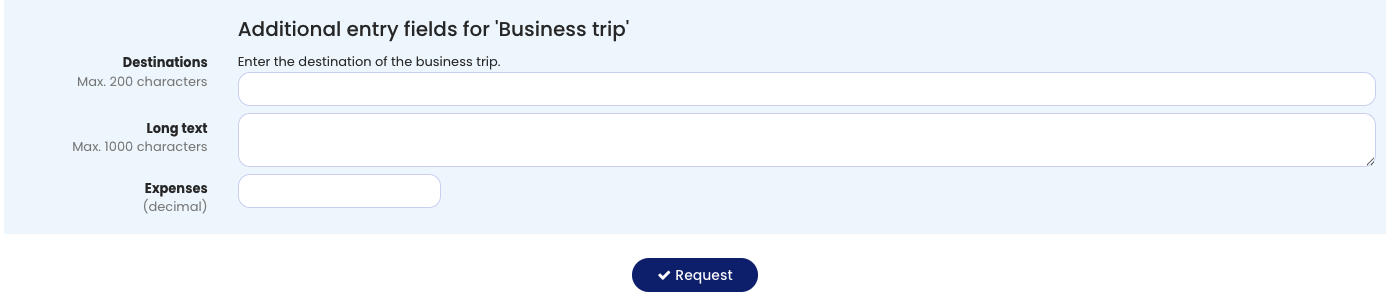
If an employee submits a new Business trip request, the entry form displays the extra fields you configured, and the employee can enter the required information.
You can later evaluate this data via Display and evaluation of extra fields.
Screenshot: Additional fields when entering an absence
Screenshot: Configuring additional fields for absence types