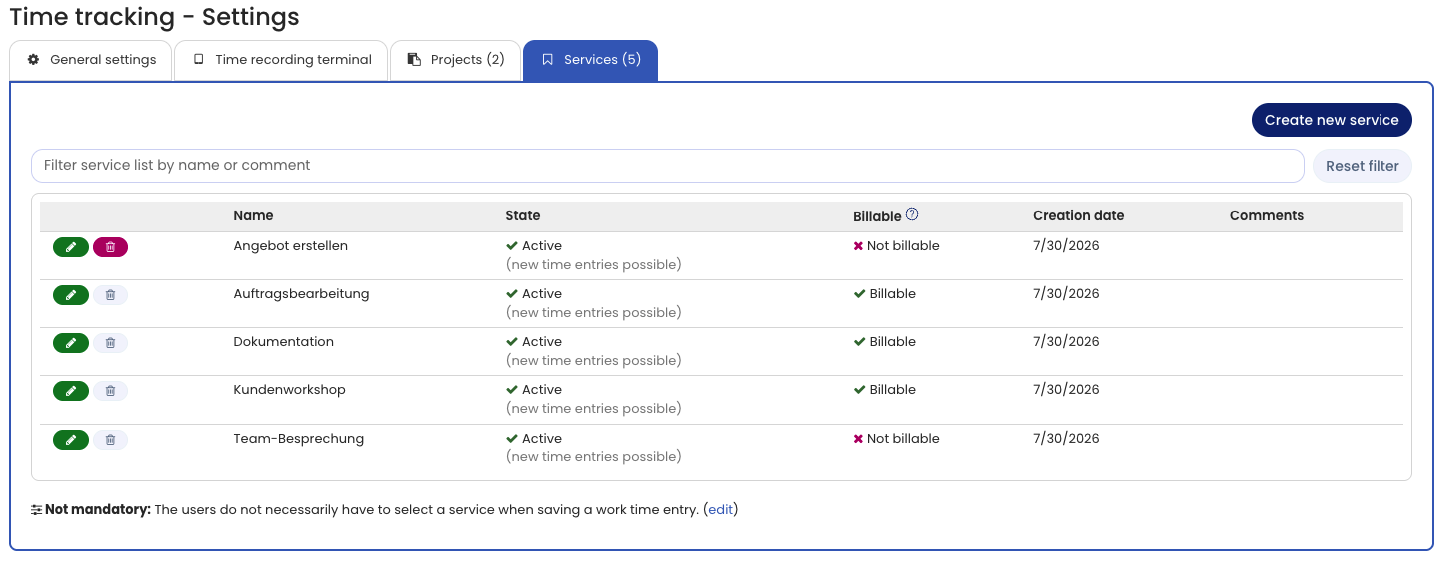
You can create any services for time tracking. Employees allocate their working time to these services. At the end of the month, the end of the quarter, or at any time, you can analyze and group working time by service.
Edit services
To edit the list of services, log in to Timebutler as an admin, click Settings > More… at the bottom left, then Time tracking on the right, and then the Services tab.
Editing services by managers
In the time tracking settings, the Projects and services option lets you as an admin define whether only admins, or both admins and managers, may edit the list of projects and services.
Service required
In the time tracking settings, the Service required option specifies whether a service must always be selected for time entries.
Manage services via the API
You can also retrieve and change services automatically via the Timebutler API.