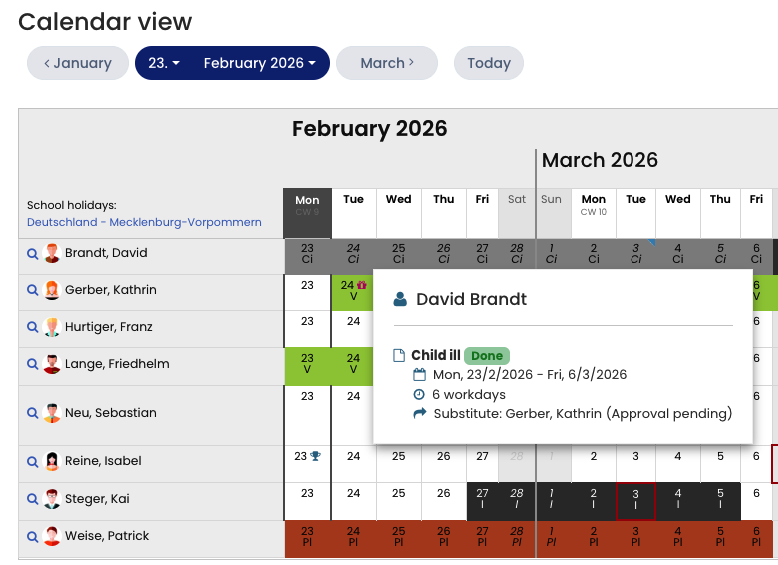
The calendar also shows when an employee has been selected as a substitute for a colleague.
A substitute assignment is indicated by a blue box in the upper-left corner of the respective day in the calendar.
Below the calendar, you will always find a legend explaining the meaning of the colors and markings used.
If you hover your mouse over an absence entry or a substitute marking in the calendar, a small information window appears with additional details about the entry and the substitute.
Screenshot: Substitutes in the calendar.