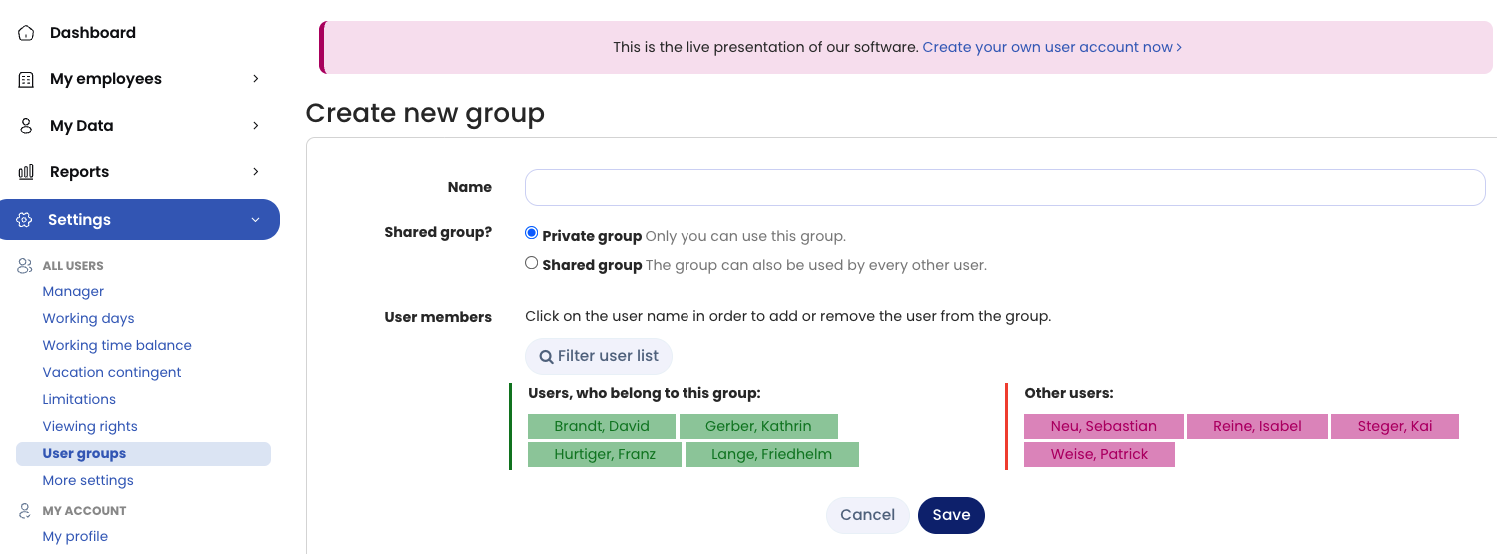
Every user can create and edit user groups. To do this, log in to your user account in Timebutler and click Settings > User groups at the bottom left.
Personal and shared user groups
- Personal user groups are user groups that only the person who created them can see and select.
- Shared user groups are user groups that all other users can also see and select.
Who can create and edit user groups
Only admins are allowed to create and edit global user groups. Managers and employee users can only create personal user groups.