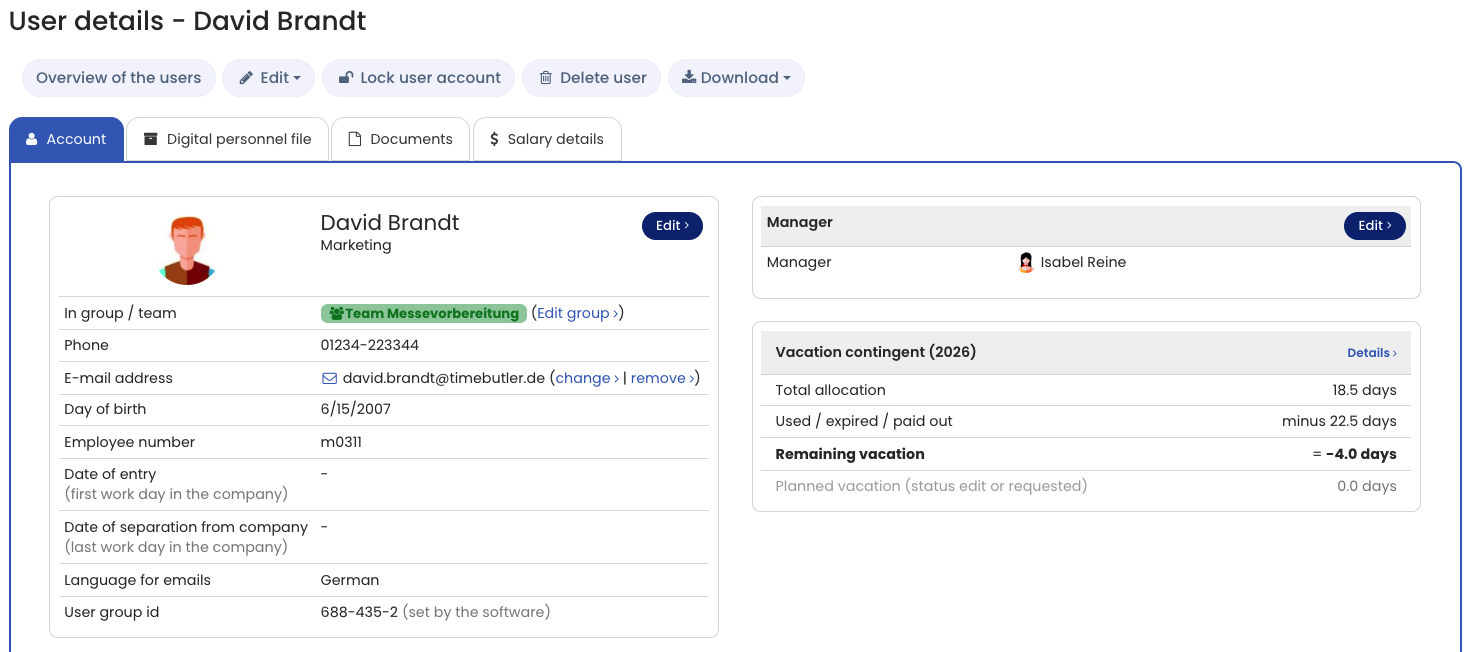
In the detail view of a user account, an admin or supervisor sees all the information about the user account at a glance, including:
- Master data
- The user’s visibility, input, and edit permissions
- Assigned supervisors
- Vacation balance overview
- Weekly working days
- Break policy (only when time tracking is enabled)
- User account creation date and last login
- Information about the email delivery status
- Holiday policy
To open the detail view of a user account, log in to Timebutler as an admin or supervisor, click Employees at the top left, then click Overview under the smaller Employees heading. Now click the blue magnifying glass icon for the relevant user account.
Employee users cannot view the detail view of a user account, except for their own.