You can customize the Digital Personnel File and define fields for uploading documents.
Upload Documents for an Employee
- Open the Detail view of the desired employee.
- Open the Personnel file tab.
- Click Edit.
For fields of type Document:
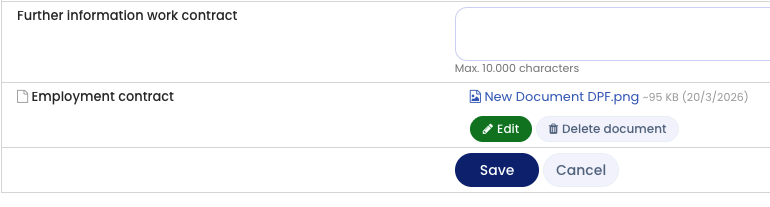
- Click Edit next to the document field.
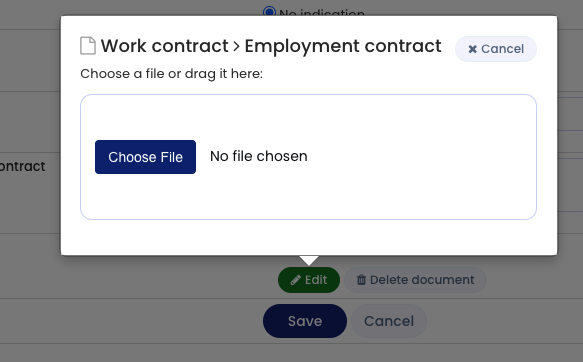
- Click Select file (or a similar button) to choose the file you want to upload.
Alternatively, drag and drop the file into the marked upload area. - Confirm the upload.
Permissions
The Edit buttons are only visible if your user account has permission to edit the Digital Personnel File.
Screenshots
Edit button for uploading documents
Select file