An admin can configure any number of projects for time tracking in Timebutler. Employees can then book working time to those projects, both via the entry form and when recording time via the virtual time clock or the time tracking terminal.
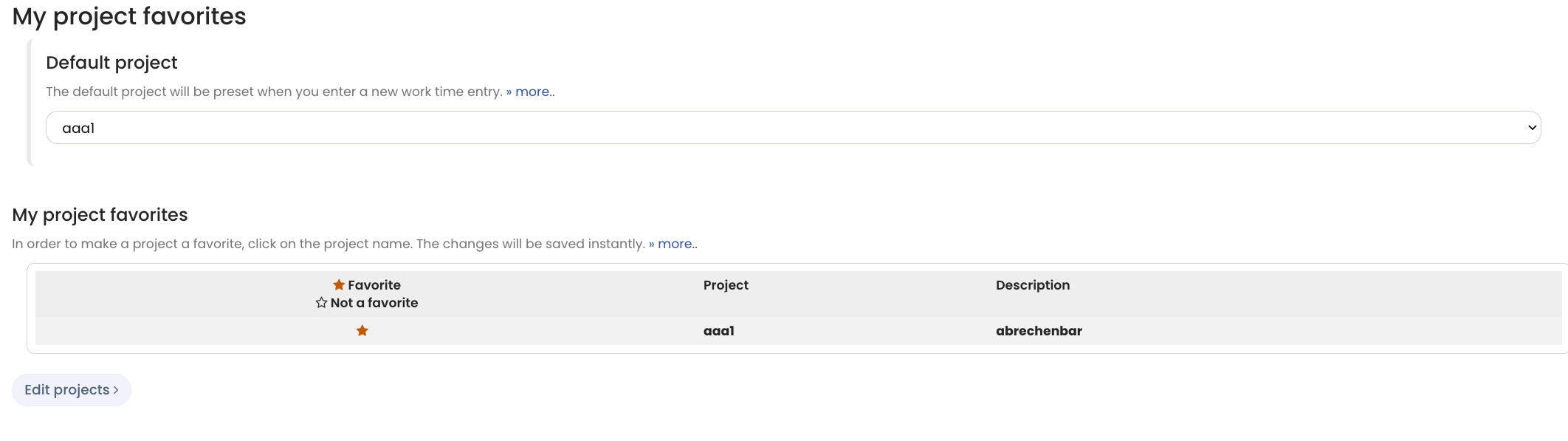
Timebutler intentionally does not restrict projects to specific employees or departments or assign them to anyone. Instead, each employee selects their own project favorites. When an employee books a time entry to a project, Timebutler offers to save it as a favorite. For future time entries, project favorites appear at the top of the selection.
For example, an employee sees 4 project favorites offered prominently, with the remaining projects listed separately below. This gives each employee a quick, clear way to select their most-used projects.
Project favorites also bring additional benefits: HR or resource planning no longer needs to handle the time-consuming and error-prone task of assigning projects to dozens or hundreds of employees. And if an employee occasionally needs to book time to a project they do not use regularly, they can do so without delay.
You only need to configure the projects.
Employees can view and edit their project favorites at any time by signing in to their user account and clicking Settings > Project favorites in the bottom left.
Screenshot: Set up project favorites