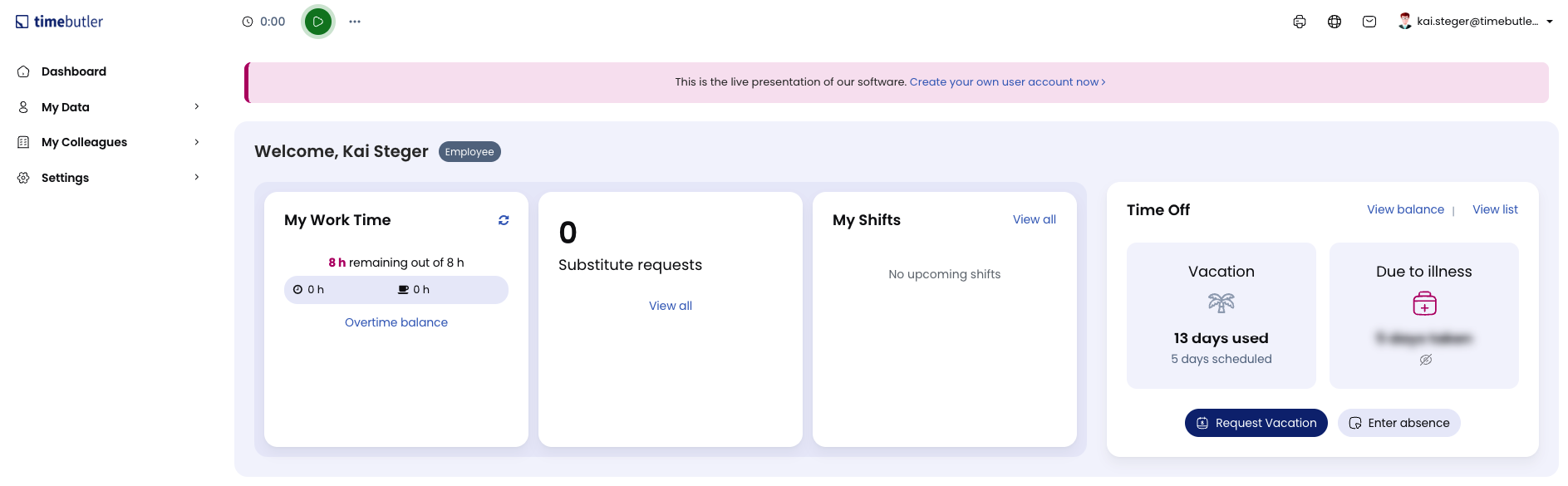
Right after you log in to your Timebutler user account, you land on the dashboard - your cockpit with a clear overview of all relevant information on a single page.
On the dashboard, you get information about pending substitute requests (only if approval for substitutes is enabled), your working time status (only if the time tracking feature is enabled), and more.
You can click most sections to get more information.
You can return to the dashboard from any page in Timebutler by clicking the area with the logo in the top left.