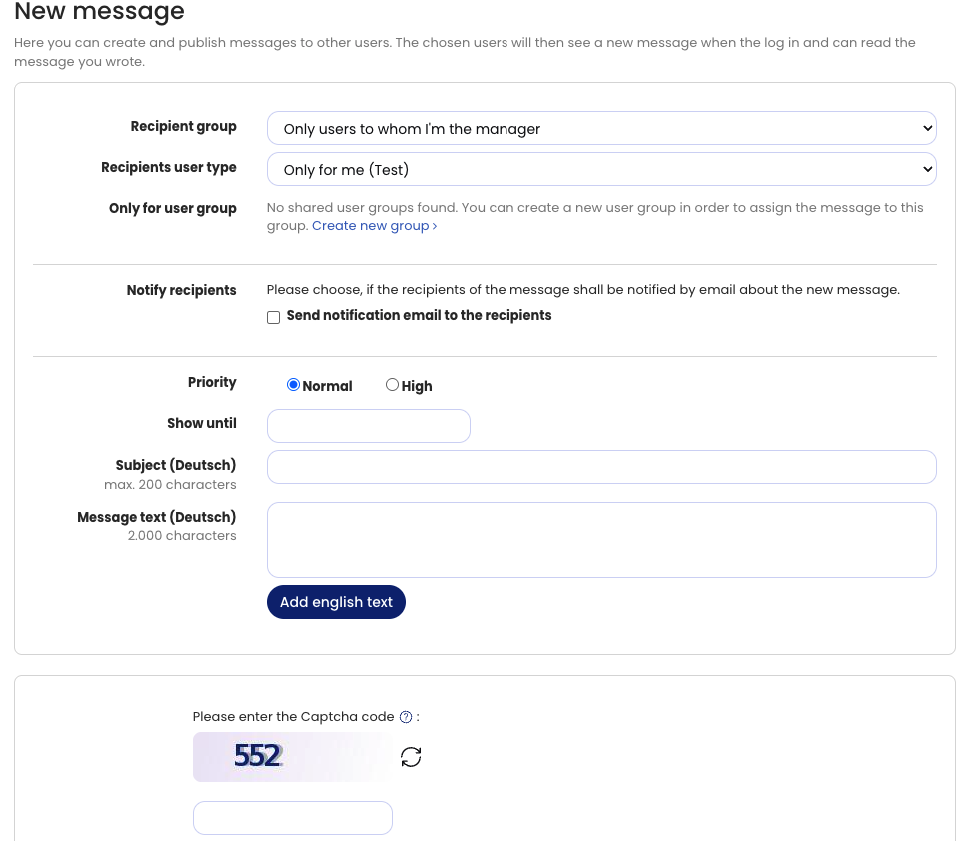
Using the Message Center, a manager can send a message to their team, or an admin from HR can send a message to specific employees or to all employees in the company.
To create a message, sign in to Timebutler and click Notifications Hub on the side bar on the left. Click on Messaging and New Message.
Recipients will see a notification for unread messages on the bell icon in the top right corner or under Notifications Hub on the left. Clicking it allows employees to view and read their open messages.
To make sure employees read the message, you can opt to send a notification email to all recipients when creating the message.