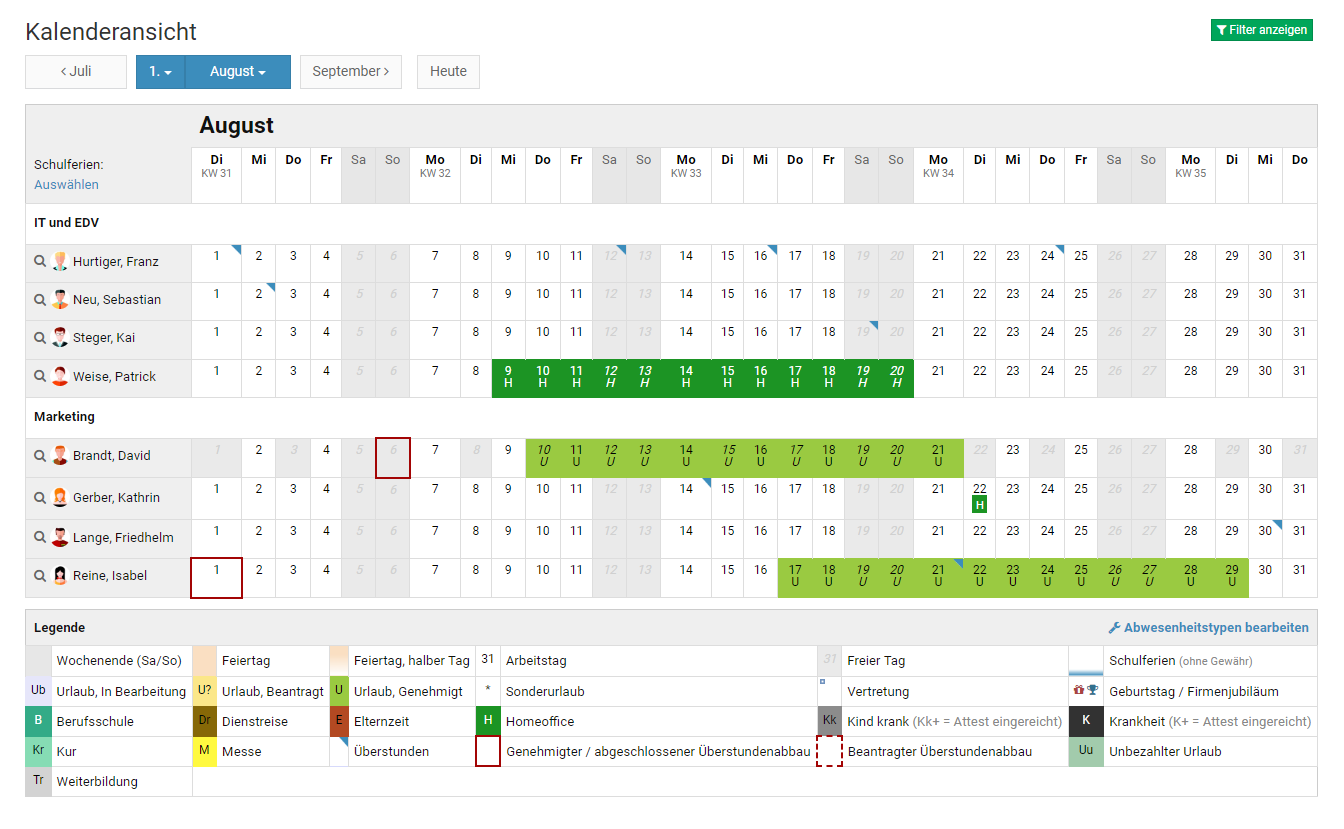
In the calendar view for colleagues (employee users) or your own team (managers and admins), Timebutler lists employees alphabetically.
You can also enable grouping by department. Timebutler then groups employees by department and sorts employees alphabetically within each department.
To enable grouping, open a calendar view across multiple users and click the green “Show filters” button at the top right. Change the “Grouping” option and click the “Apply filters” button.
Screenshot: Calendar view grouped by department