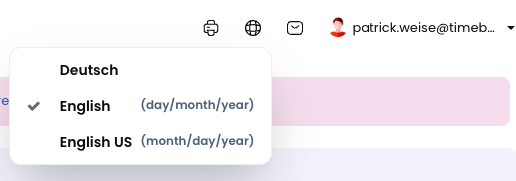
Each user can choose which language to use in Timebutler. The following options are available:
Language selection when signed in
| When signed in to Timebutler, users can click the globe icon in the top right corner on any page and select their preferred language. Language links are also available in the footer at the bottom of every page (**Deutsch | English (UK) | English (US)**). |
Language selection when not signed in
When not signed in, users can click the globe icon in the top right corner on any page and select their preferred language.
Timebutler is available in the following languages:
- German
- English (UK): British English with date format dd/mm/yyyy
- English (US): US English with date format mm/dd/yyyy
Note: A language can also be set per user account. However, this only determines the language used for emails sent to that user and has no effect on the display language the user selects when using Timebutler.
Screenshot: Selecting the display language in the user account
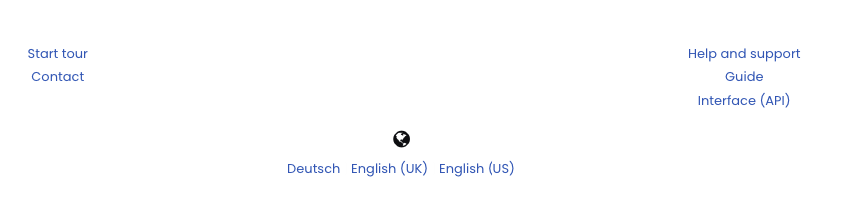
Screenshot: Selecting the display language in the footer