
Add shift
Click Add Shift to create a new shift.
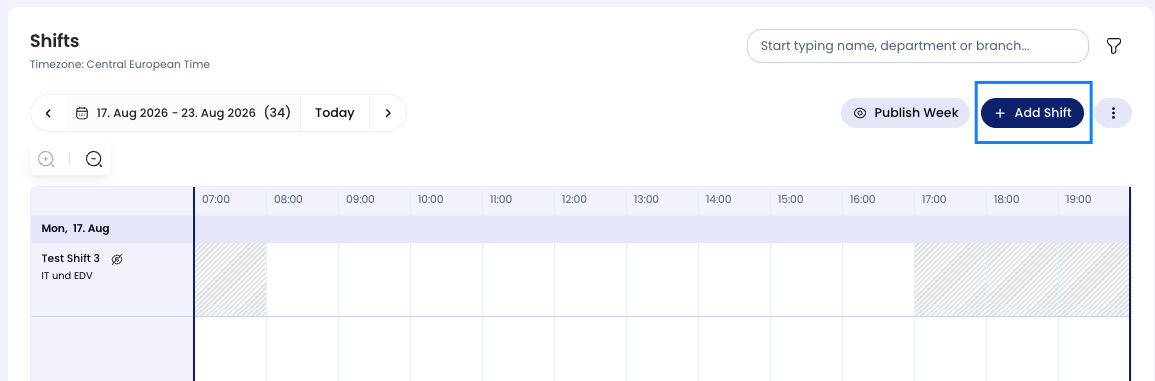
You can define:
- Title
- Date
- Time range
- Department (optional)
- Location (optional)
Edit shift
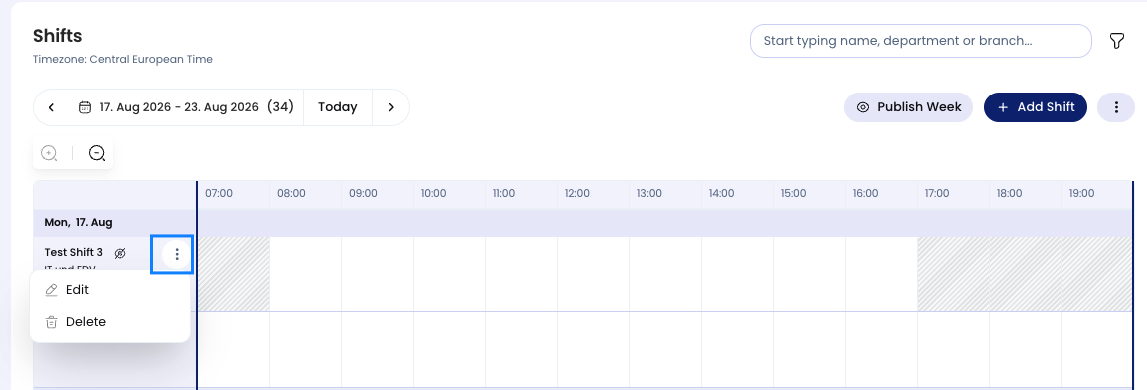
- Open the … menu on the shift.
- Select Edit.
- Adjust the details.
- Save your changes.
Delete shift
- Open the … menu on the shift.
- Select Delete.
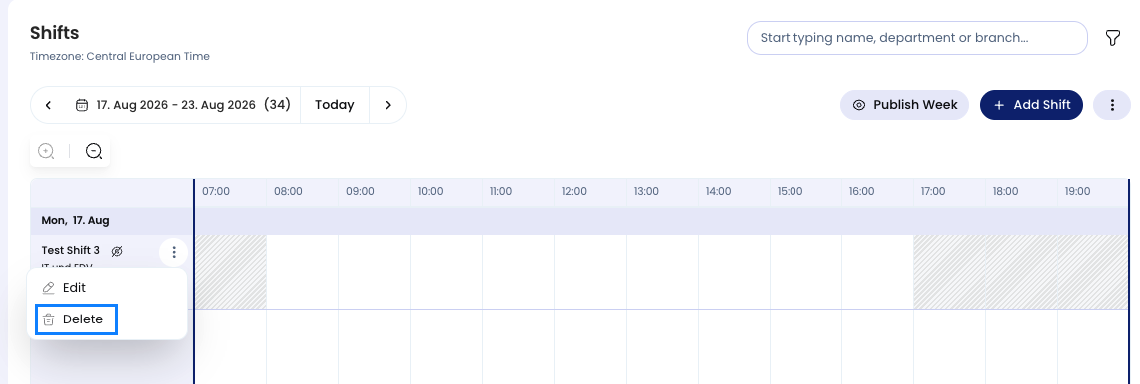
Deleting a shift:
- Removes the shift completely
- Automatically removes all employee assignments linked to it