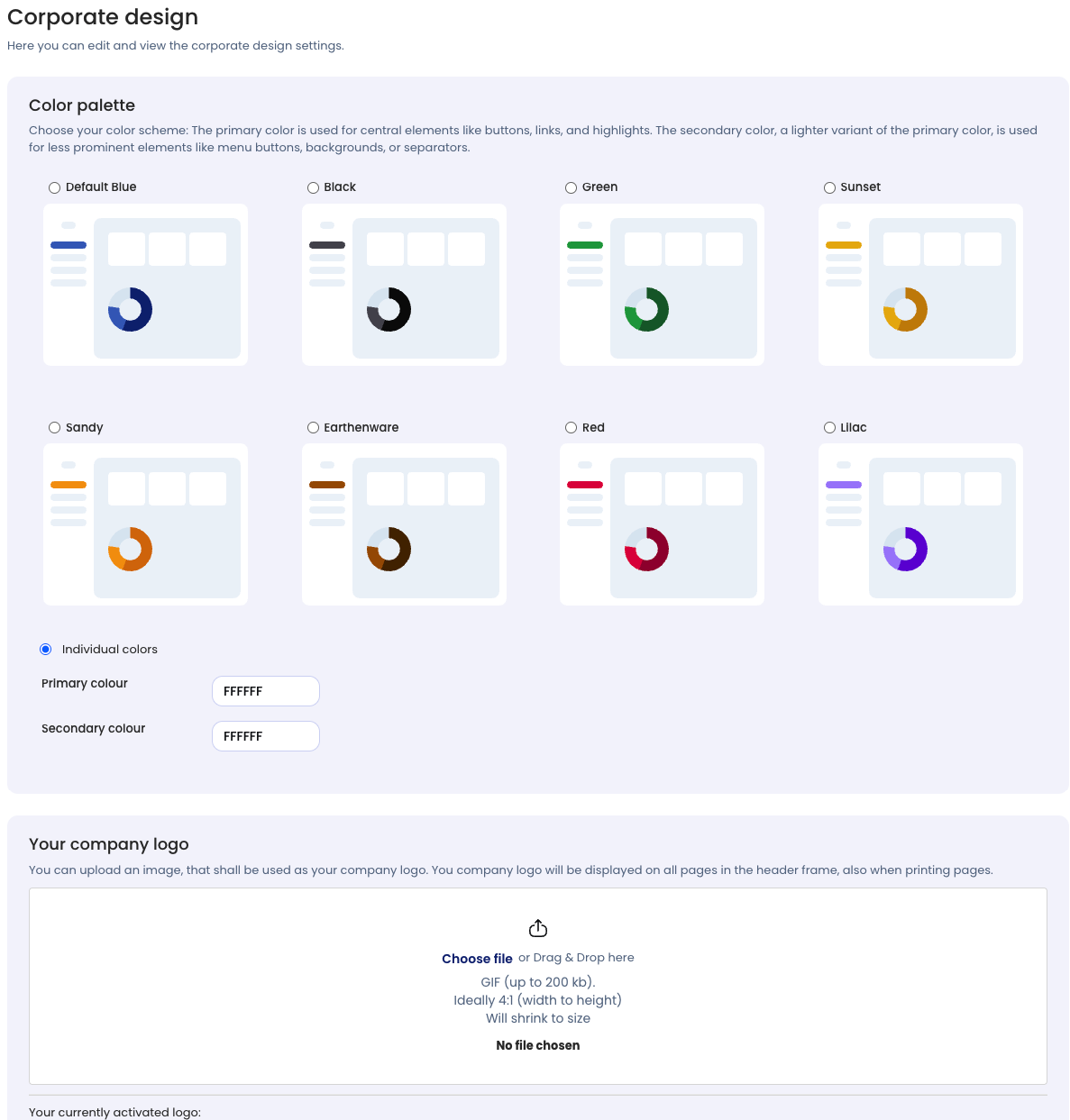
With the Corporate Design Manager, you can adapt Timebutler to your company’s branding.
You can:
- Adjust the interface colors to match your corporate design
- Upload and display your company logo
Edit the Corporate Design
- Log in to Timebutler as an Admin.
- Go to Settings > More… > Corporate Design.
- Click Edit Corporate Design.
- Make the desired changes and save them.