If an admin has set up projects or categories for time tracking, you can assign time entries to those projects or categories.
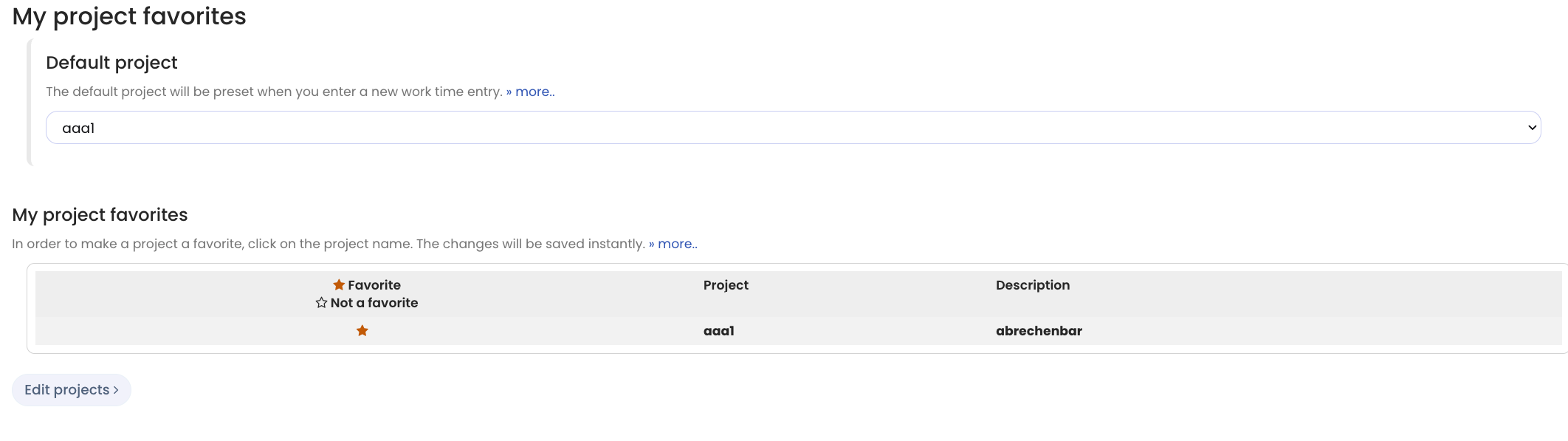
You can set personal project favorites and also select a default project or default category. When a default is set, Timebutler automatically preselects the chosen project or category when you create a new time entry or record time via the virtual time clock.
This speeds up time recording when you frequently work on the same project or category.
Set the default project and default category
Log in to your Timebutler user account, click Settings in the bottom left, then click Project favorites below it.
Screenshot: Set default project and default category