Timebutler provides the statutory break regulations for employees in Germany, Austria, and Switzerland (for adults and for young workers) to choose from.
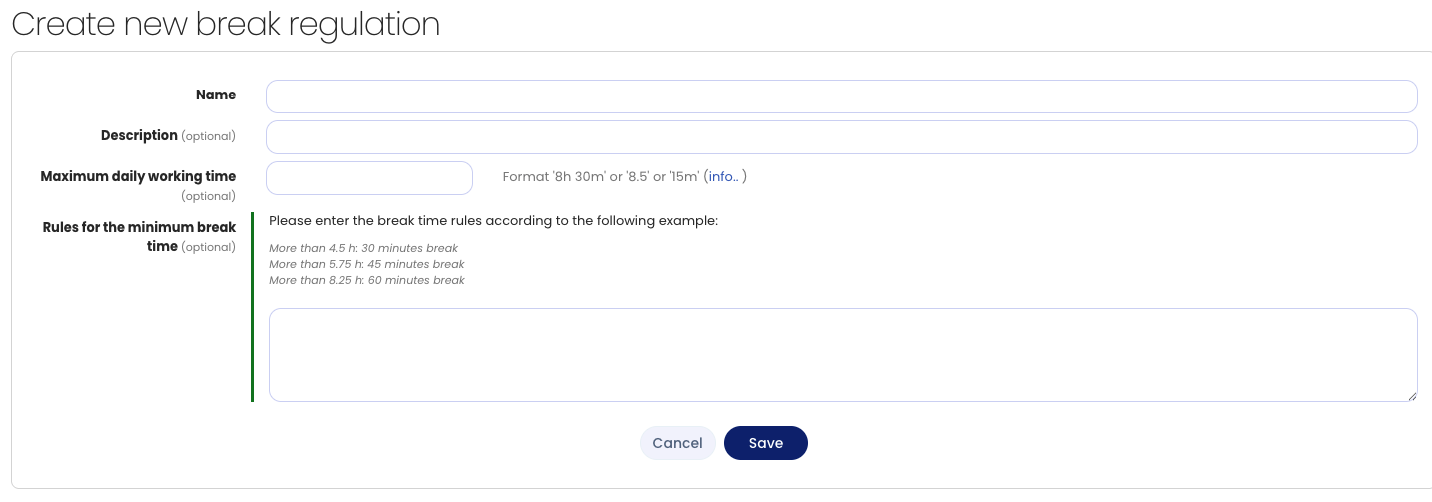
If different requirements apply in your company due to a company agreement, industry requirements, or other reasons, you can create your own break regulation in Timebutler.
To do this, log in to Timebutler as an admin, click Settings > More… at the bottom left, then Break regulations on the right. Click the Create new break regulation button.
Once you have created your own break regulation, you can activate the break regulation or assign it to individual employees.