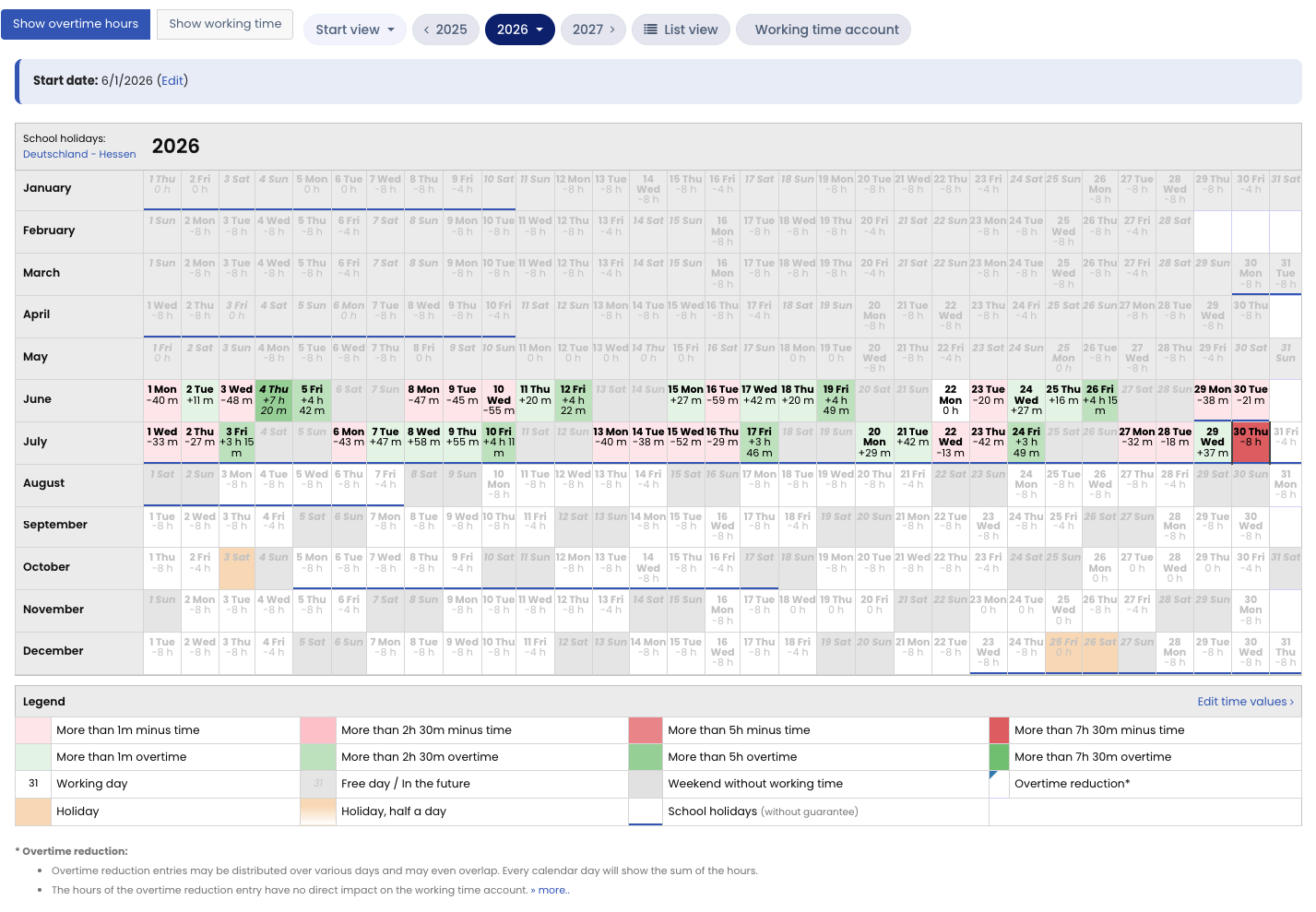
In the calendar view of time entries, you get a quick overview of an employee’s working time, overtime, and negative hours over the course of the year. Days with heavy overtime are immediately apparent, and you can quickly find the causes if an employee has a high negative balance in the working time account.
Open the calendar view as managers and admins
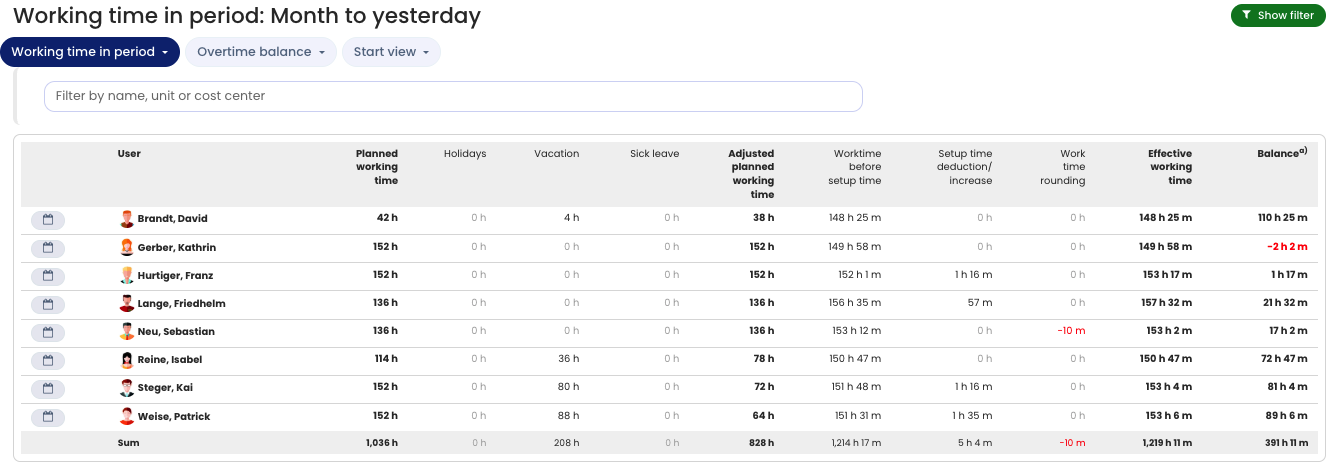
Open the working time accounts view. To do this, log in to Timebutler and click Employees > Time tracking > Working time account on the left. In the working time account table, click the tear-off calendar icon to the left of the desired employee’s name.
Open your own calendar view as employee users
Log in to Timebutler and click Calendar view under Time tracking on the left.