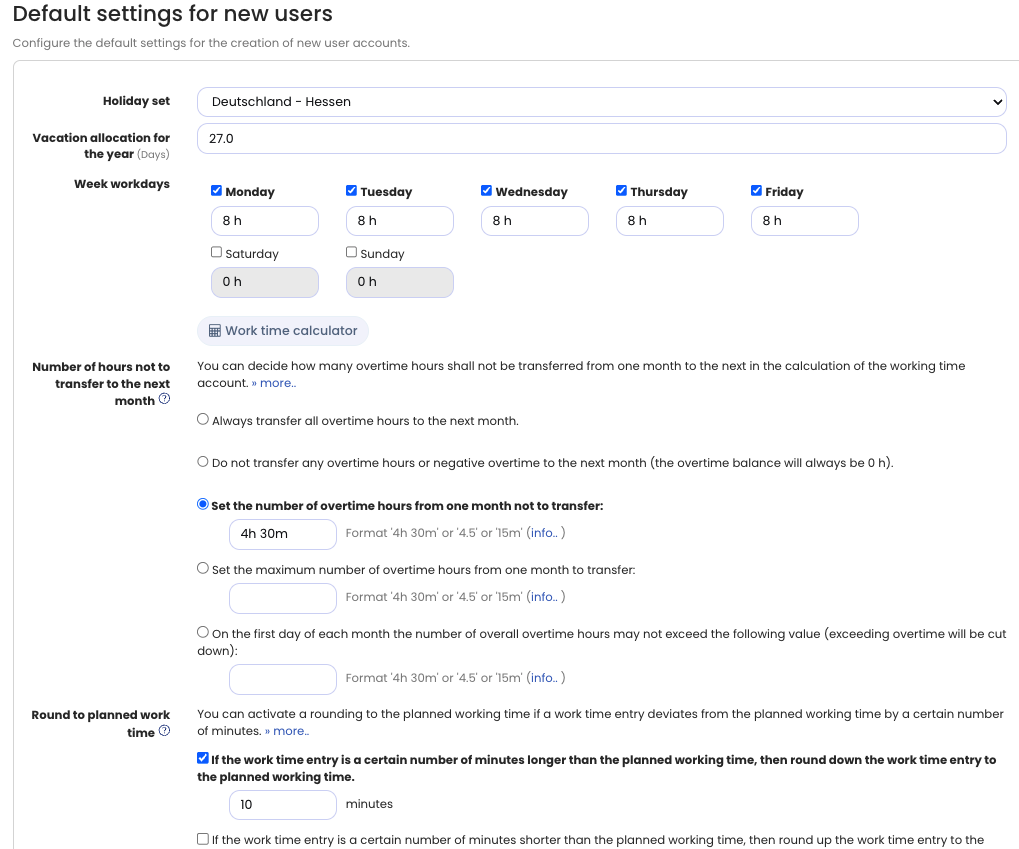
You can define which settings are preselected when you accounts. These default settings are especially important when bulk-importing user accounts, as they allow you to conveniently import users with different working time models.
To edit the default settings, sign in to Timebutler as an admin, click Settings > More… at the bottom left, then click Default Settings for New Users.
Here you can configure default options for the holiday set, annual leave, and weekly working days.
If the time tracking feature is enabled, you can also set defaults for capping overtime, rounding working times, and setup times.
Note: When bulk-importing user accounts, the default settings determine which holiday set is assigned to the new accounts and enable you to import users with different working time models.