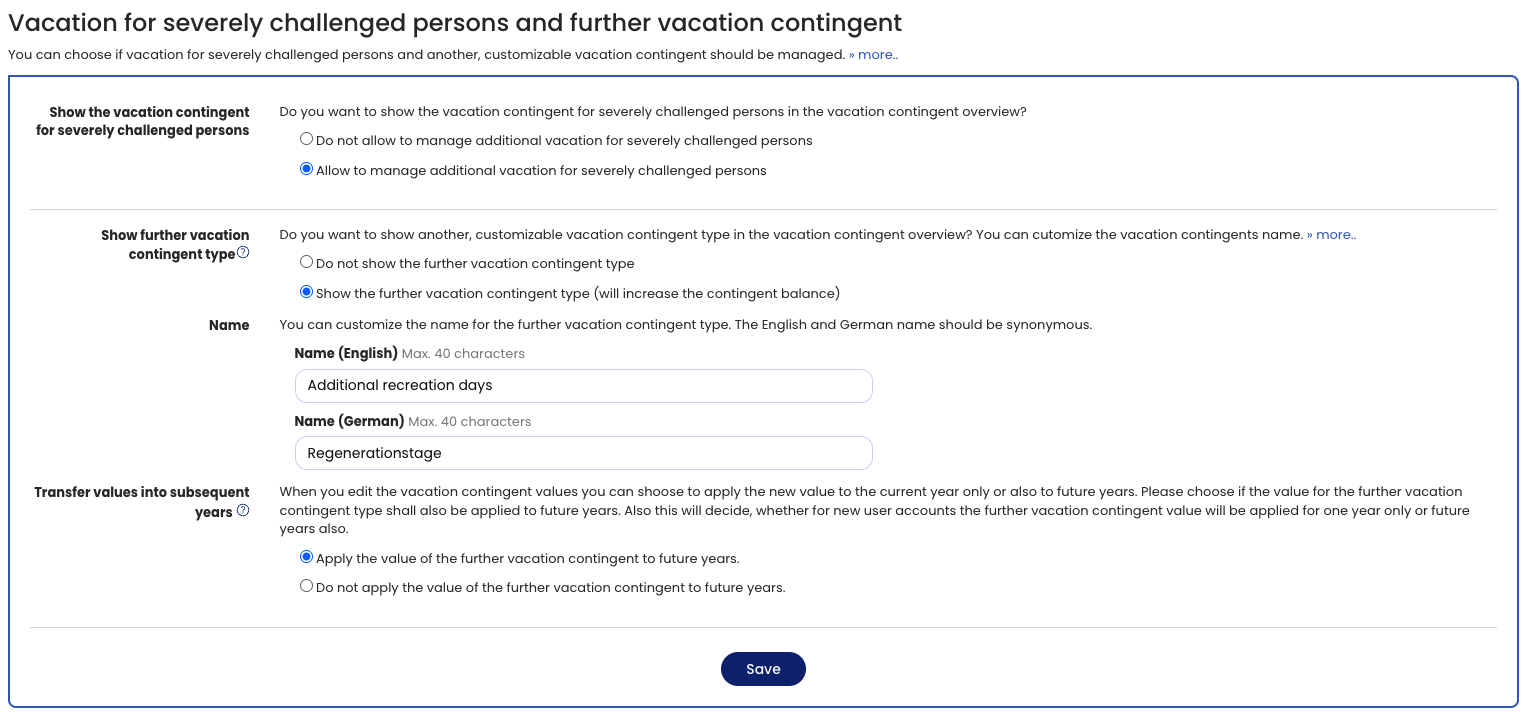
If employees in your company are entitled to vacation for severely challenged persons, you can activate this vacation contingent type with just a few clicks.
Sign in to Timebutler as an admin and go to Settings > More… > Vacation for severely challenged persons and additional vacation contingent type (the last item is on the right). Here you can activate management of vacation for severely challenged persons with a single click.
After that, the vacation contingent view will display vacation for severely challenged persons and you can enter the vacation contingent for severely challenged persons.
Additional vacation contingent type
You can also activate an additional vacation contingent type in the vacation account.