You can customize the Digital Personnel File and define fields for uploading documents.
Delete a Document
To delete a document stored in the Digital Personnel File:
- Open the Detail view of the desired employee.
- Open the Personnel file tab.
- Click Edit.
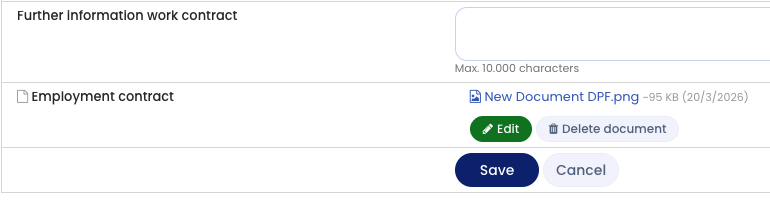
- Click Delete next to the document you want to remove.
- Click Delete now to confirm.
Important
Deleting a document is permanent. The document cannot be restored after deletion.
Automatic Deletion of Documents
You can configure automatic deletion of documents after a defined period.
Screenshot