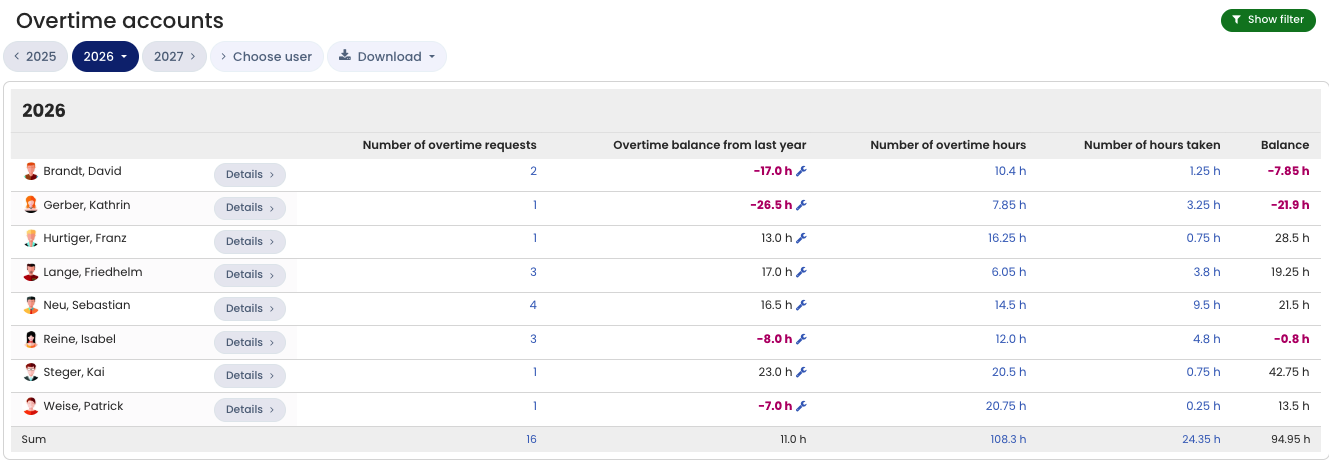
To download the overtime account as an Excel or CSV file, follow these steps:
Sign in to Timebutler as an admin and click Employees > Overtime > Overtime accounts at the top left. To open your own overtime account, click My data > Overtime > Overtime account at the top left.
Click the Download button to download the view as an Excel file, then process or send it further.