
With the Timebutler App you can access Timebutler on the go at any time — whether at the office, at home, or on the road.
The app is available free of charge for iPhone, iPad, and Android smartphones and tablets.
Installing on iPhone and iPad (iOS/iPadOS)
- Open the “App Store” on your device.
- Search for “Timebutler”.
- Tap “Get” or the download icon.
- Once installed, you can open the app directly and sign in with your Timebutler credentials.
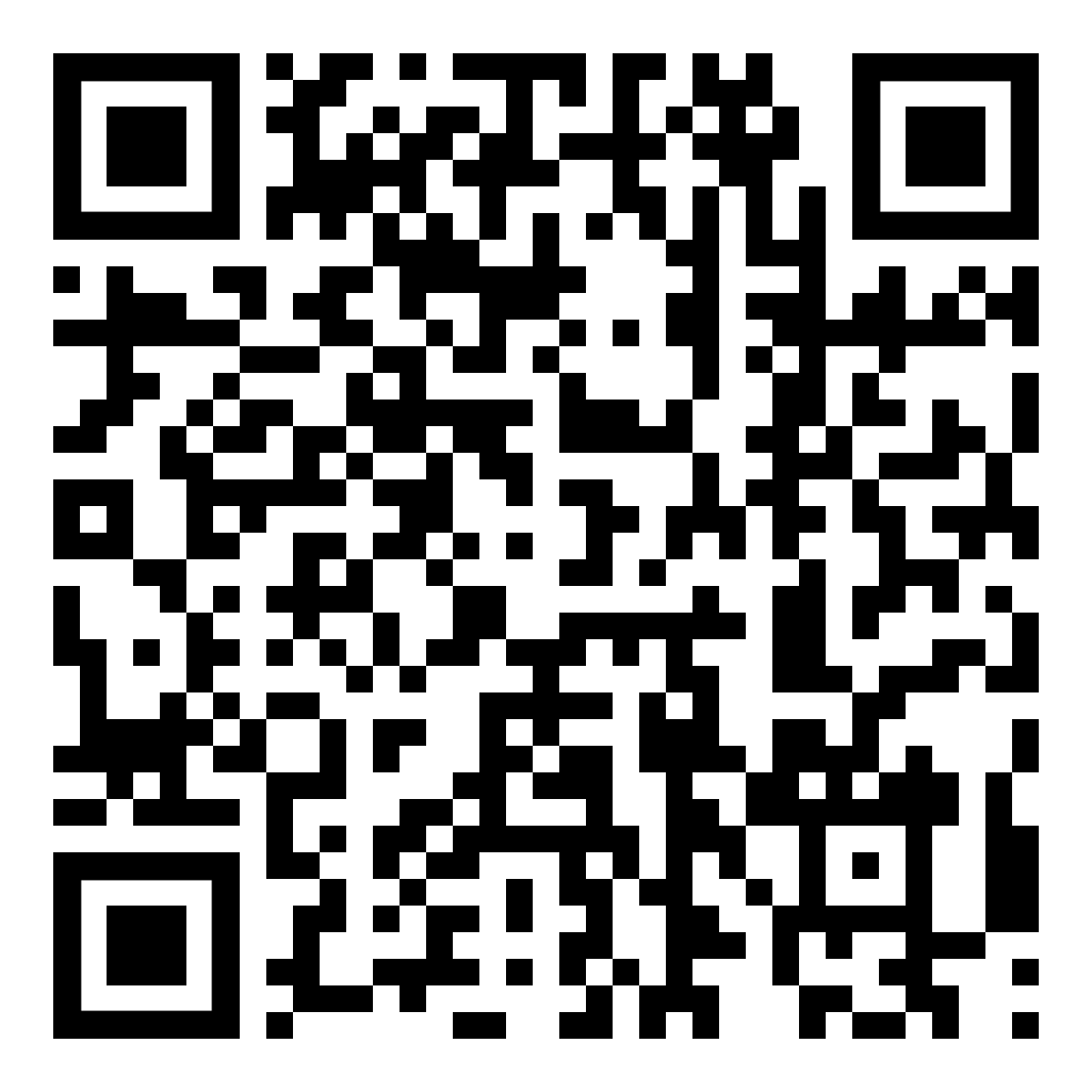
Or scan this QR code with your iPhone/iPad camera:

Installing on Android Devices
- Open the “Google Play Store” on your device.
- Search for “Timebutler GmbH”.
- Tap “Install”.
- Once installed, you can open the app directly and sign in with your Timebutler credentials.
Or scan this QR code with your smartphone camera:
Signing In to the App
To sign in you need the same credentials as for the browser version of Timebutler.
If you don’t know your credentials, please contact your admin or use the “Forgot password” function on the login page.